
Premium Document Hub for The Executive Centre
1. Welcome to Your Premium Document Hub
To support your business, The Executive Centre has partnered with Lexmark to provide a powerful, secure, and remarkably simple printing solution.
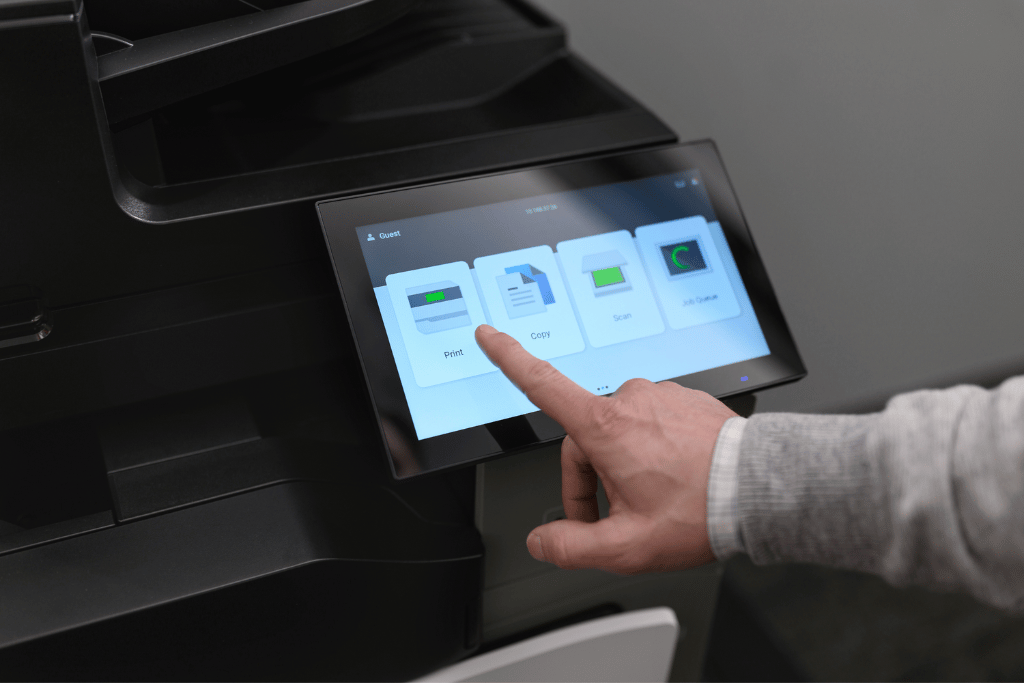
We have equipped your centre with our latest multifunction printers, featuring an intuitive, tablet-like touchscreen that makes every task effortless. This state-of-the-art system is designed for maximum uptime and security, allowing you to focus on what matters most: your work.
2. Features at Your Fingertips
This enterprise-grade solution provides a full suite of document capabilities, all accessible through a single, unified system.
Confidential Print Release
Our cloud-based system ensures your documents remain private. Jobs are held in your personal, secure queue until you release them with your PIN at the printer of your choice.
Professional Quality & Speed
Produce vibrant, high-quality documents and copies in both A3 and A4 formats. With fast output speeds, your materials are ready when you are.
High-Speed, Intelligent Scanning
Digitize documents in seconds. Our devices capture both sides of a page in a single pass and can send them directly to your email, streamlining your workflow.
Print Anywhere, From Any Device
Once configured, you can print from your primary computer to the single “Lexmark Cloud Printer” and collect your documents from any Lexmark device within The Executive Centre.
3. Simple One-Time Setup Guide
Follow these 4-steps to connect your computer to the secure print network.
Step 1: Download the Installer
Step 2: Run the Installation
Locate & Extract the File
Find the downloaded file in your ‘Downloads’ folder.
- On Windows: Right-click the file and select “Extract All…”.
- On macOS: Double-click the file to create a new folder.
Launch the Installer: Open the new folder and double-click the setup application.
- Administrator Approval: Your computer’s security may require an administrator password to authorize the installation. This is a standard security measure. If prompted, please enter your password or contact your IT support.
Step 3: Activating Your Secure Account
Begin Account Activation
- Once the installation is complete, your web browser will automatically open the Lexmark Cloud login page. If it does not open, please navigate to https://idp.eu.iss.lexmark.com
Activate & Secure Your Account
1. Check Your Email: Look for a welcome email from Lexmark Cloud (sent from no-reply@iss.lexmark.com) with the subject “Your new account is ready.”
2. Log In with Your Temporary Password:
- On the login page in your browser, enter your email address and the temporary password provided in the welcome email.
- You will be required to create a new, permanent password immediately upon your first login. This is a mandatory step to secure your account.
Please note: The permanent password you create here is for logging into the web portal. It is different from the 6-digit PIN you will use at the printer.
Step 4: Test Your First Secure Print
Know Your Secure PIN
- The Executive Centre’s operations team will provide you with a 6-digit PIN code. This PIN is your personal key to unlock all device functions. You will use it at the printer’s touch panel to Print, Scan, Copy, and Fax securely.
Print to the Cloud
- Open any document and select Print. From your list of printers, choose the “Cloud Print Management”. Your job is now sent to your secure personal queue, not to a specific printer.
Release Your Document at the Printer
- Walk up to any Lexmark printer at your convenience.
-
- On the touch panel, select “Print Release.”
- Enter your 6-digit PIN to log in.
- Your list of pending jobs will appear. Select the document(s) you wish to print and tap “Print.”
Setup is complete! You can now enjoy secure and flexible printing from any of your configured devices.
Support & Assistance
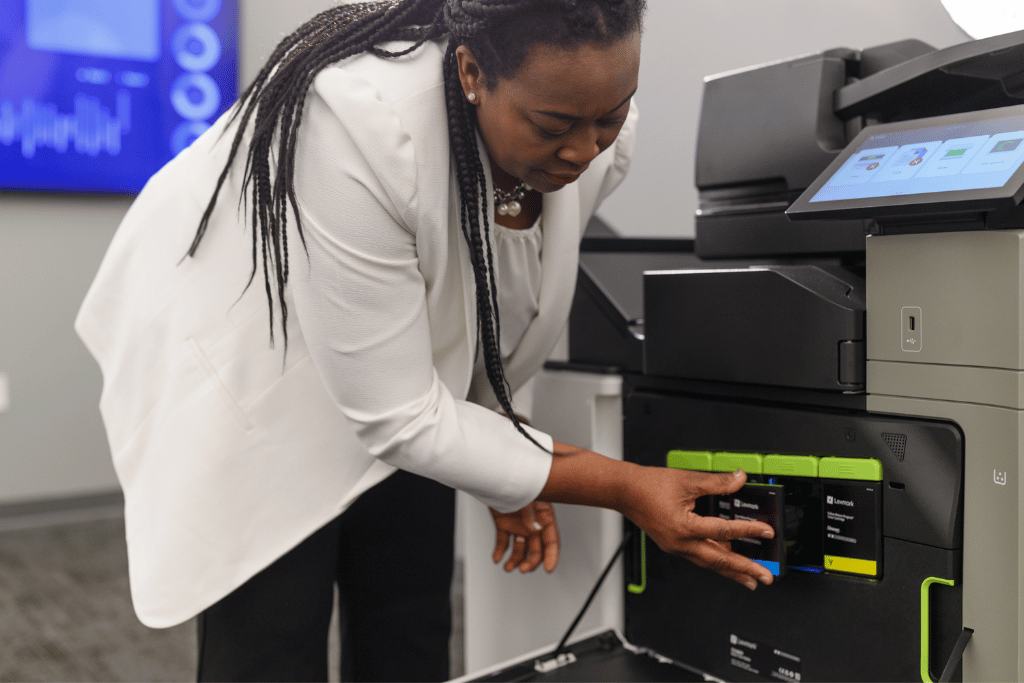
Should you require any assistance with installation, account access, or using the printers, please do not hesitate to speak with the on-site Operations Team at The Executive Centre. They are fully trained and equipped to provide immediate support for all your document needs.
The Executive Centre (TEC) — LSHK 統一打印方案案例
The Executive Centre (TEC) 為亞洲領先嘅服務式辦公室品牌, 喺 16 個地點 (包括香港中環 IFC、尖沙咀、銅鑼灣等) 提供 100+ 跨國企業租戶嘅優質辦公空間。LSHK 為 TEC 提供統一打印管理系統, 每個服務式辦公室配備 Lexmark A4 彩色多功能鐳射打印機, 並透過 Cloud Connector 統一監控碳粉用量、設備狀態、用戶權限及打印 quota。
項目規模
- 覆蓋地點: 16 個服務式辦公室, 包括香港中環 / 尖沙咀 / 銅鑼灣 / 金鐘 / 觀塘 / 旺角
- 租戶企業: 100+ 跨國公司, 包括金融、法律、會計、科技、媒體行業
- 部署設備: 每個辦公室配備 2-4 部 Lexmark CX431adw / CX951se 彩色鐳射打印機
- 總設備數: 約 50 部打印機 + 影印機
- 月印量: 整體超過 200,000 頁 (黑白 + 彩色)
方案核心 — Cloud Connector 統一管理
LSHK 為 TEC 部署 Lexmark Cloud Connector 雲端管理平台, 統一管理 16 個辦公室嘅打印機:
- 碳粉自動配送: 系統自動偵測每部打印機嘅碳粉用量, 並於用量達 20% 時主動安排配送, 16 個辦公室毋須人手管理
- 設備狀態監控: 即時監察每部打印機嘅運作狀態、錯誤碼、耗材用量, 並於故障前主動通知
- 用戶權限管理: 支援 100+ 租戶企業嘅獨立帳戶, 每個帳戶可設定打印 quota、彩色權限、雙面預設等
- 統一月結: TEC 行政部可透過 dashboard 統一睇到 16 個辦公室嘅月度打印量、成本、碳粉配送記錄
- 資安合規: 所有打印機配備 AES-256 硬件加密, 文件釋出後自動清除殘留影像, 符合 PDPO / GDPR 要求
方案成果
| 指標 | 方案前 | LSHK 方案後 | 改善 |
|---|---|---|---|
| 行政人手 | 2 名全職 IT 行政 | 0.5 名兼職 | -75% |
| 打印機意外停機 | 每月 8-10 次 | 每月 0-1 次 | -95% |
| 碳粉成本 / 月 | HK$ 35,000 | HK$ 24,000 | -31% |
| 每頁打印成本 | HK$ 0.55 | HK$ 0.30 | -45% |
| 租戶滿意度 | 7.5/10 | 9.2/10 | +22% |
TEC 行政部 feedback
LSHK 嘅 Cloud Connector 統一管理平台令我哋可以喺一個 dashboard 監察 16 個辦公室嘅所有打印機狀態。碳粉配送、設備維修、用戶權限管理全部自動化, 行政人手由 2 名減至 0.5 名, 同時租戶滿意度由 7.5 提升至 9.2。LSHK 嘅本地廣東話支援亦令問題處理速度大大提升。
聯絡 LSHK
📞 電話 / WhatsApp: +852 6899 5060
📧 Email: hello@lexmark-hk.com
📍 辦公室: UNIT D, 8/F, SKYLINE TOWER, 18 TONG MI ROAD, MONG KOK, HONG KONG
🕐 辦公時間: 星期一至五 9am-6pm
LSHK (Lexmark Solutions Hong Kong Limited) 為 Lexmark 打印方案供應商, 同 Printers.com.hk (BeeSee Technology Limited 旗下) 屬姊妹公司, 服務範圍涵蓋打印機租賃、碳粉訂購、IT 基礎架構及資安合規支援。